

Share with your CTO
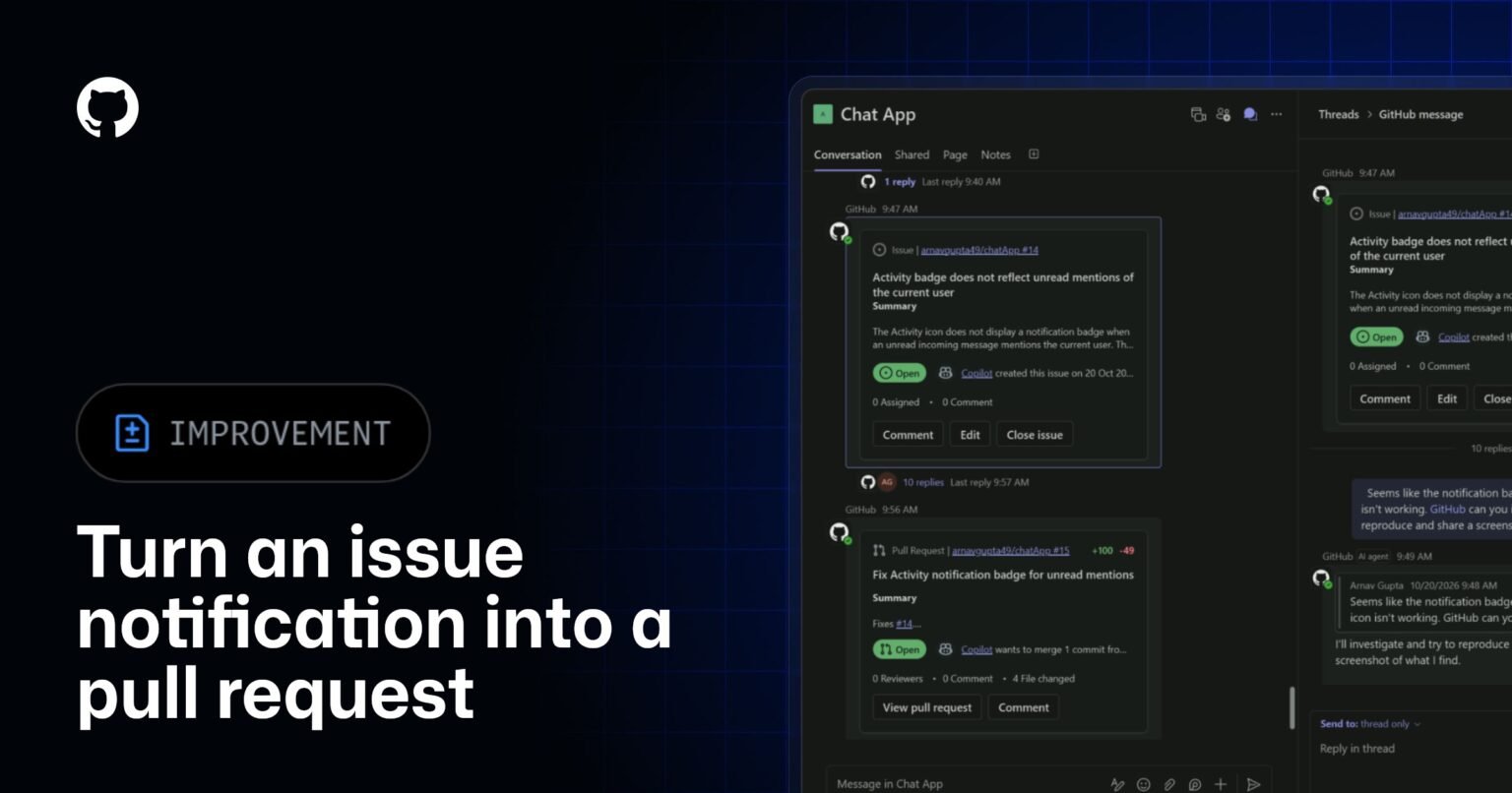
GitHub is betting that the fastest path to shipping code runs through Microsoft Teams. The new GitHub app in Microsoft Teams collapses the notification-to-pull-request loop into a single chat interface: a bug lands in a Teams channel, an engineer @mentions GitHub Copilot, and Copilot investigates the issue, writes the fix, and opens a pull request without the developer leaving the conversation. The legacy GitHub app retires November 16, pushing existing users to migrate now.
What this means for your business
The practical target here is context-switching cost. A developer interrupted by a Slack ping, who then opens a browser, navigates to GitHub, clones context, and eventually writes code, burns anywhere from 15 to 23 minutes recovering flow, per research on interruption recovery. Collapsing that chain inside Teams doesn’t just save time on the individual task. It changes where the cognitive work happens, which means your collaboration platform becomes a direct input to engineering velocity.
The deeper claim GitHub is making is that the IDE is no longer the definitive boundary of developer work. By embedding Copilot in Teams, GitHub positions the assistant as ambient infrastructure rather than a tab you switch to. This mirrors what happened when Slack added Workflow Builder: the collaboration tool started absorbing work that previously lived in dedicated apps. The organizations that extracted value from that shift were the ones that deliberately redesigned handoffs rather than just installing the new app.
The signal worth watching: whether engineering teams actually adopt this as a primary workflow or treat it as a novelty. Copilot in the IDE has measurable adoption data because GitHub tracks completions. Copilot in Teams is harder to instrument, and productivity gains that can’t be attributed will struggle to survive budget reviews. The tradeoff is real: faster fixes versus diffuse accountability for where code actually originates.
Concept deep-dive: Ambient AI assistance
Ambient AI assistance means the model is embedded in the environment where work already happens, rather than requiring the worker to seek it out. It exists because context-switching between tools is itself a productivity tax. Think of it like having a staff engineer available in every meeting room rather than only at their desk. For engineering organizations, this matters because the speed of a bug fix is often limited not by coding time but by the coordination overhead of getting the right person, context, and tooling aligned at the same moment.
Based on reporting from Turn notifications into code with GitHub Copilot in Teams, originally published 2026-10-23 17:29:00.