

Share with your CISO
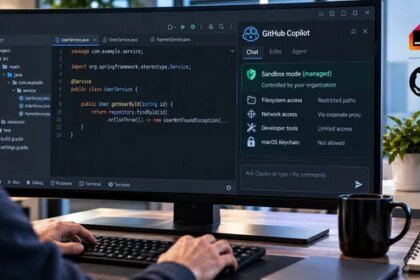
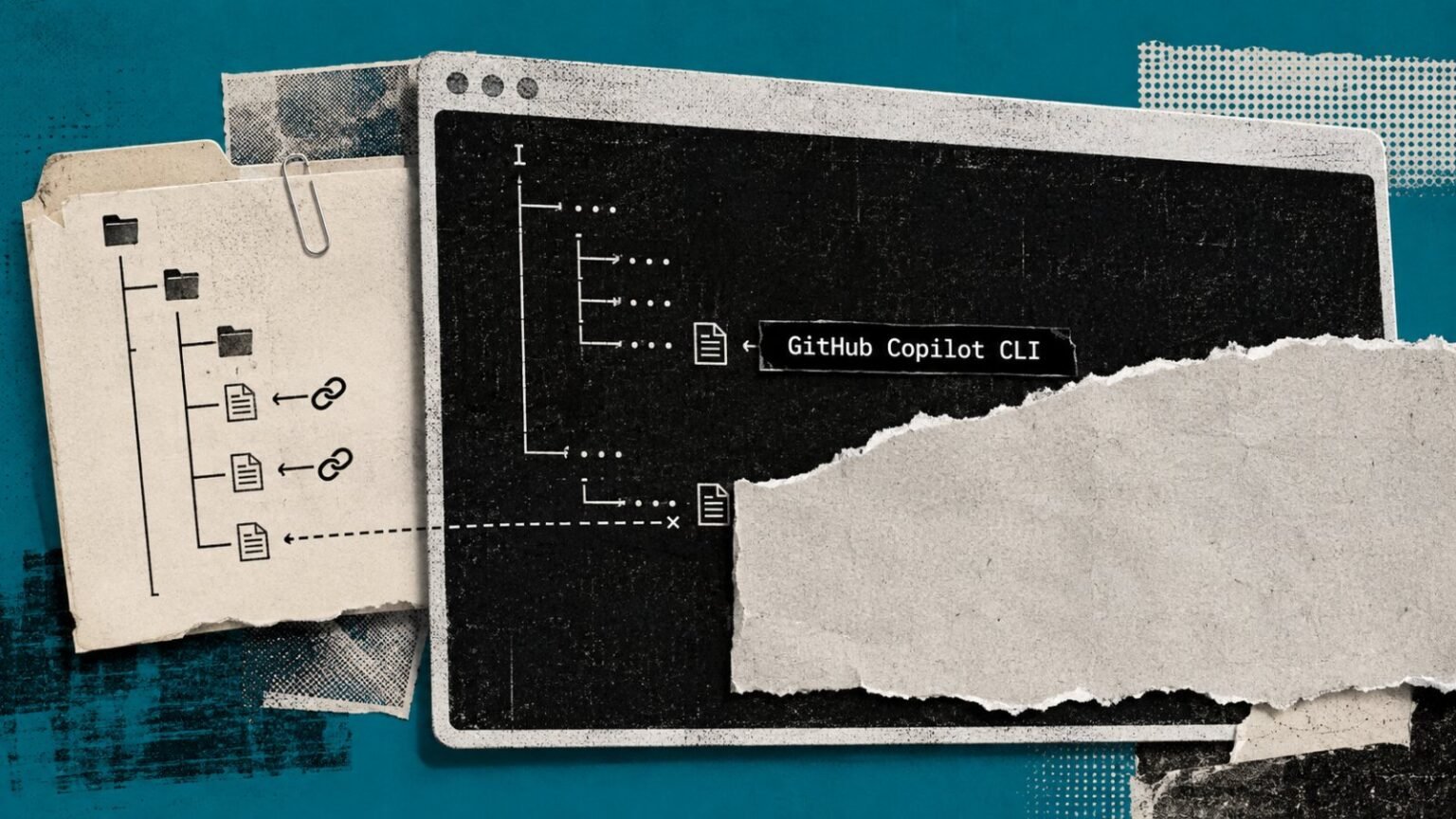
GitHub closed a real gap on September 2, 2026: Copilot CLI content exclusions are now generally available for Business and Enterprise customers, meaning administrator-configured policies finally prevent excluded files from entering AI context in the CLI and Copilot app. That’s meaningful coverage for two agentic workflows that had none before. But symlinks, remote filesystems, Visual Studio Code’s Edit and Agent modes, and indirect IDE semantic signals all remain outside the enforcement boundary with no published timeline for a fix.
What this means for your business
Content exclusion is a context filter, not an access control. GitHub says this explicitly and it’s worth holding onto: a developer whose checkout contains a symlink pointing to a credentials file in an excluded directory gets zero protection from this GA release. If your sensitive repositories use symlinks, which is common in monorepo structures and shared-library setups, this announcement does not change your risk posture at all. Treat the GA coverage as additive to existing controls, not as a replacement for them.
The more dangerous failure mode isn’t the symlink gap itself; it’s the compliance theater that tends to follow GA announcements. An administrator enables the exclusion policy, checks a box in the security review, and the organization moves on. But IDE Agent mode remains unprotected, and language server tooling can still surface type definitions and build properties derived from excluded files into the AI’s reasoning. The policy boundary and the actual information boundary are not the same line, and auditors rarely distinguish between them.
The signal worth watching is whether GitHub extends coverage to Agent mode before agentic coding workflows become the default developer experience. Agent mode is where the real productivity gains are concentrated, and it’s currently the least protected surface. If that gap persists another two or three release cycles, enterprise security teams will face the awkward position of blocking the most productive Copilot workflows to maintain defensible governance, or accepting undocumented risk on the most capable ones. That’s a forced tradeoff that GitHub should be pressed to resolve publicly and on a specific schedule.
Concept deep-dive: Content exclusion as a context filter
Content exclusion in Copilot controls what files the model is allowed to see when constructing a response. It exists because AI coding assistants pull surrounding code as context automatically, and without a filter, any file in a workspace is fair game. Think of it like a firewall rule that sits between the file system and the model’s input window. It does not encrypt files, revoke OS permissions, or prevent a developer from reading the file themselves. Its business relevance is specifically in limiting inadvertent AI exposure of secrets, proprietary algorithms, or regulated data during routine coding sessions.
Based on reporting from Copilot CLI Exclusions Are GA, but Symlinks Remain Outside, originally published 2026-09-03 17:16:00.